You read. They watch the story come alive.
Bedtime stories made for both screens of iPhone Duo. The words face you. Gentle animations face your child on the Kid Cue screen and move along with your voice.
 Coming to the App StoreFriday, Oct 23
- No autoplay
- Works without Wi-Fi
- Ages 0–9
One device, two views of the same story
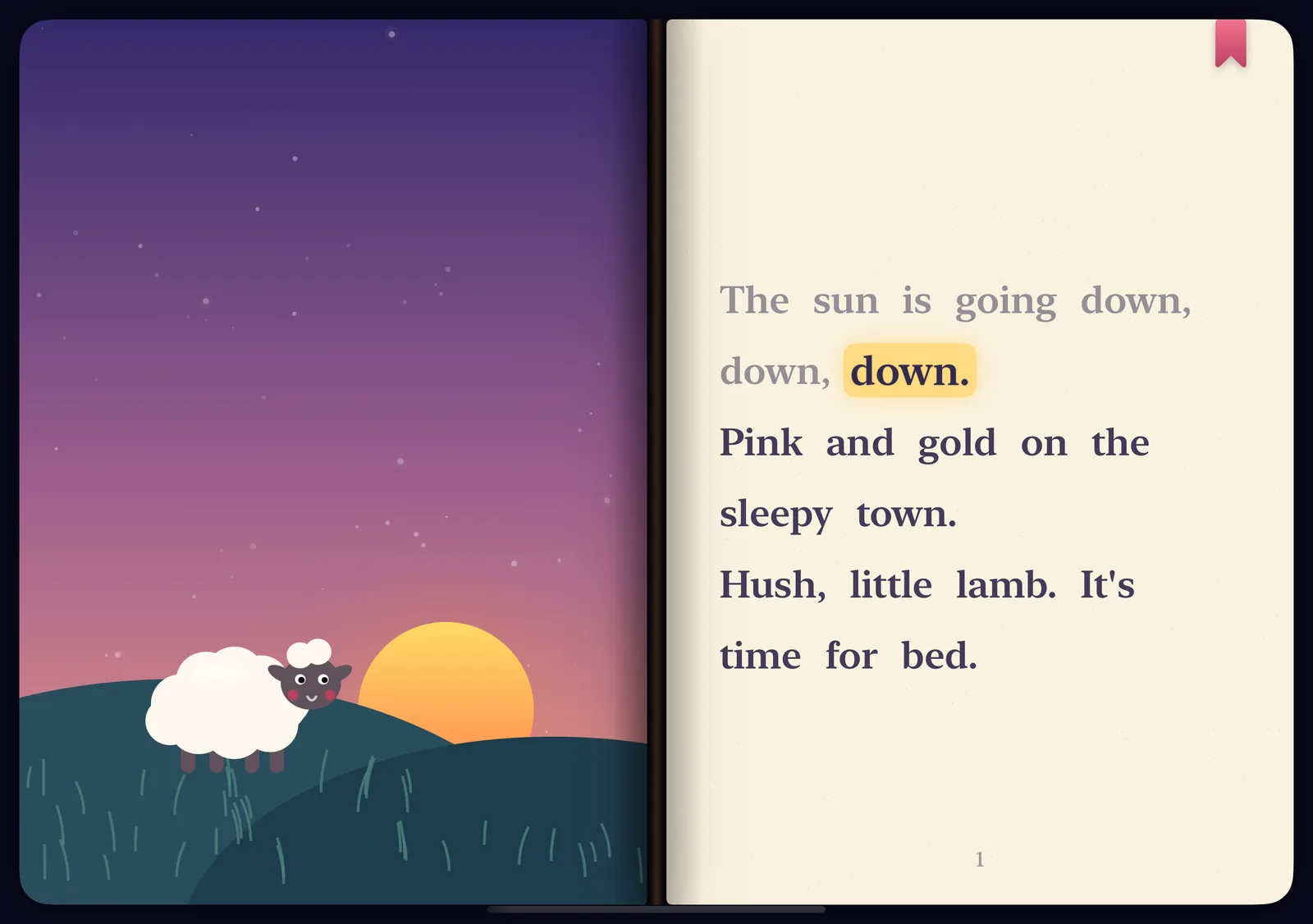
iPhone Duo opens like a book, so Books Come Alive uses it like one. You hold the words. Your child sees the pictures.
The story text, in big, easy-to-read type. Each word lights up as you read, so you never lose your place in a dim room.
The Kid Cue screen, facing them. Soft, slow animations play in step with your words, so the story unfolds while they listen.
-
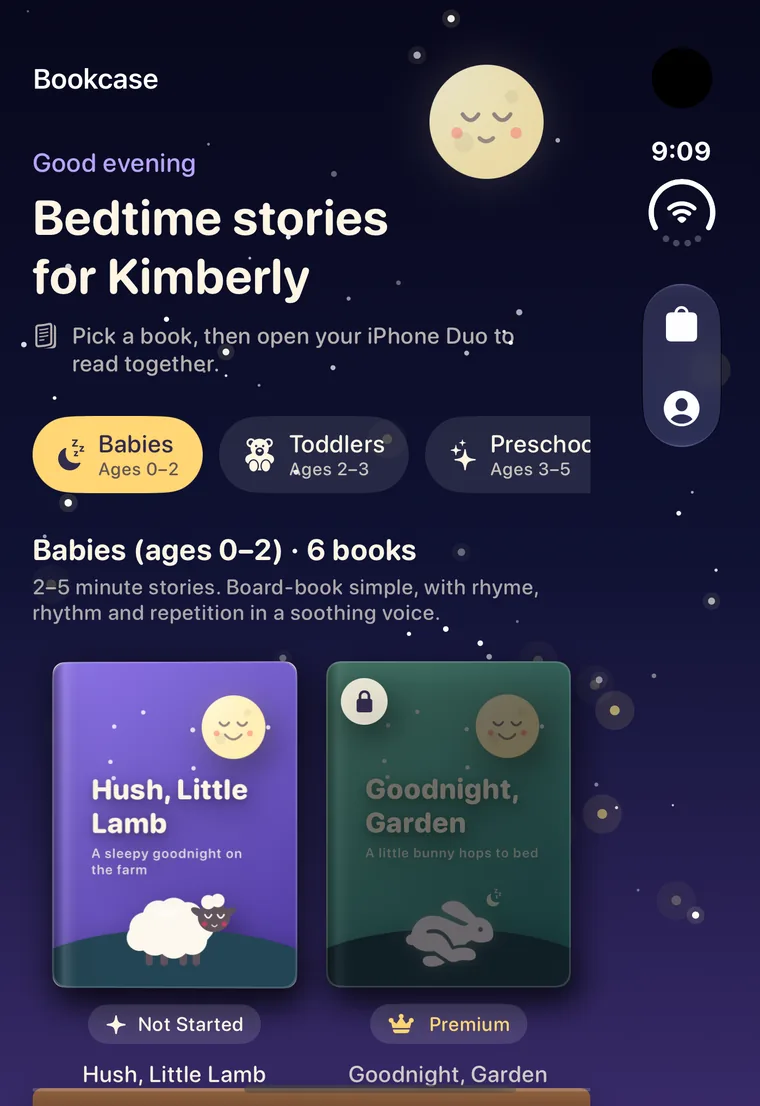
1Pick a book
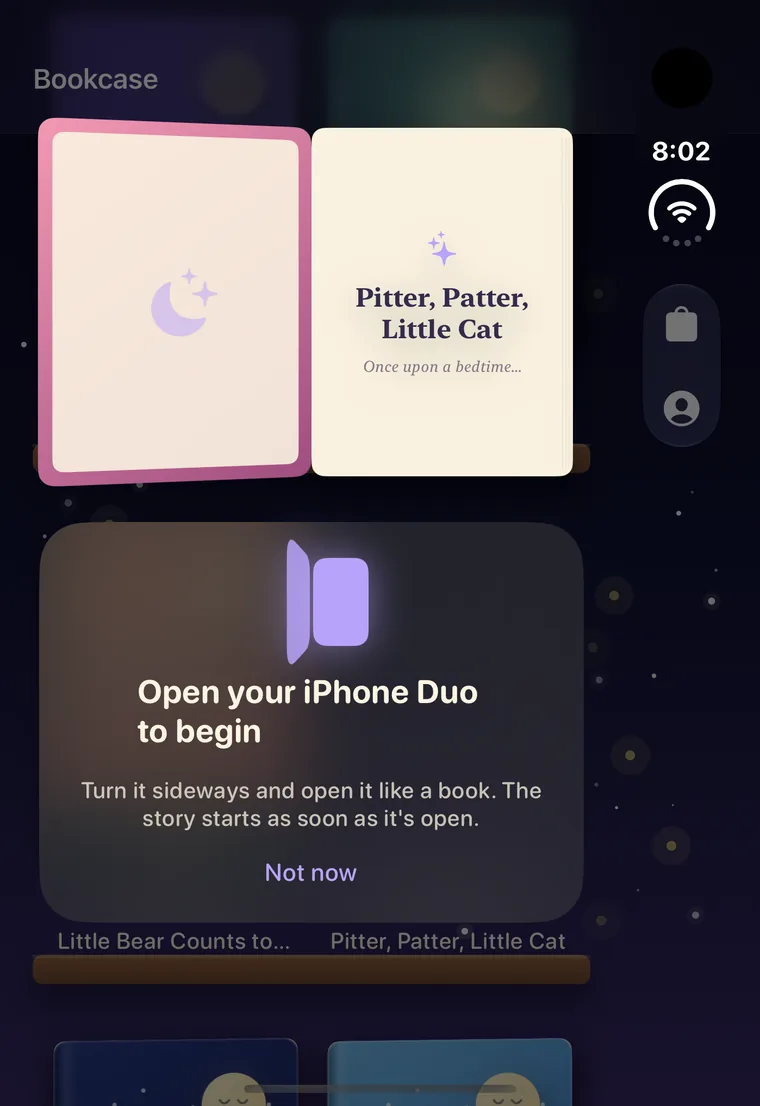
Choose tonight's story from your bookshelf. You can browse with your iPhone Duo closed.
-
2Open it like a book
Turn your iPhone Duo sideways and open it. The story starts as soon as it's open.
-
Hush, little lamb. The stars are out. It's time for bed.
Read-along preview3Read aloud
You read, the words light up, and the story comes alive on the Kid Cue screen.
Calm enough for the last five minutes of the day
Every animation is slow, soft and soothing, made to settle little minds instead of stirring them up.
- Gentle animations. They follow your voice and never rush ahead.
- A music box lullaby. It starts when you open the book and fades away when the story ends.
- Stories sized for each age. Bedtime never drags on too long.
Every story waits right where you left it
Your library lives on a softly lit shelf. Tap a book and it opens. Close it and it slides back into place.
- Bookmarks. Tomorrow night picks up on the same page.
- Progress at a glance. See which books are new, in progress or finished.
- Saved on your device. Stories are ready even without Wi-Fi.
Tell us who you're reading to
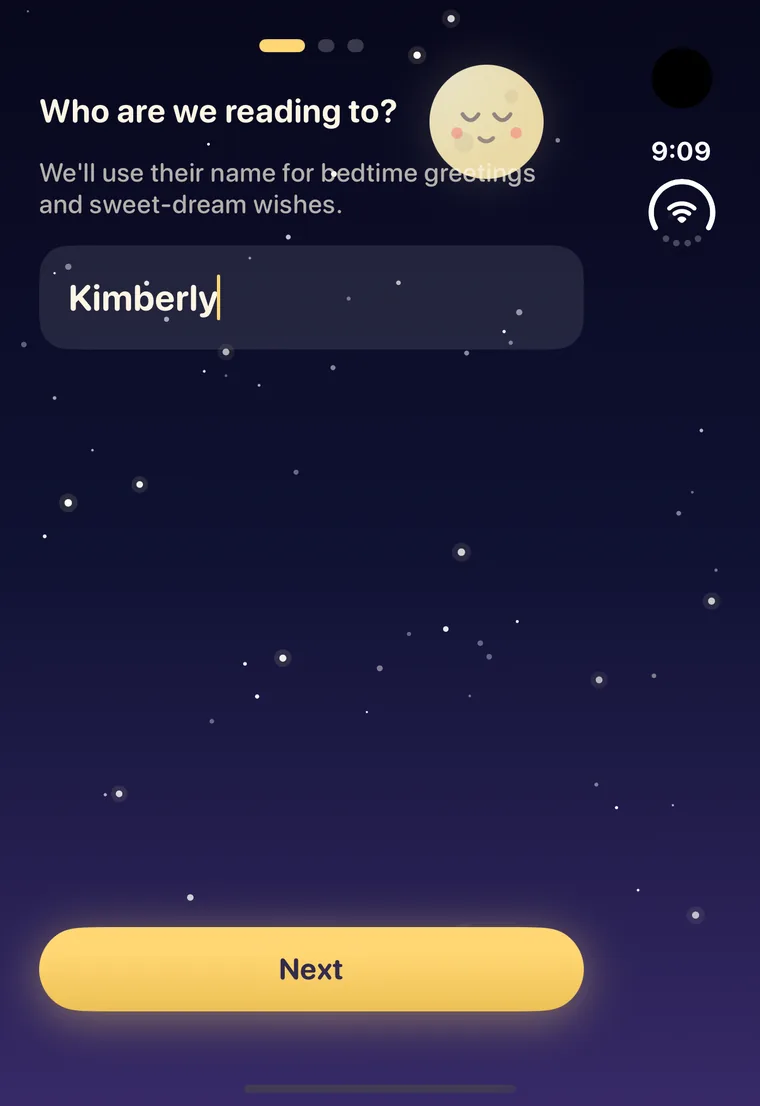
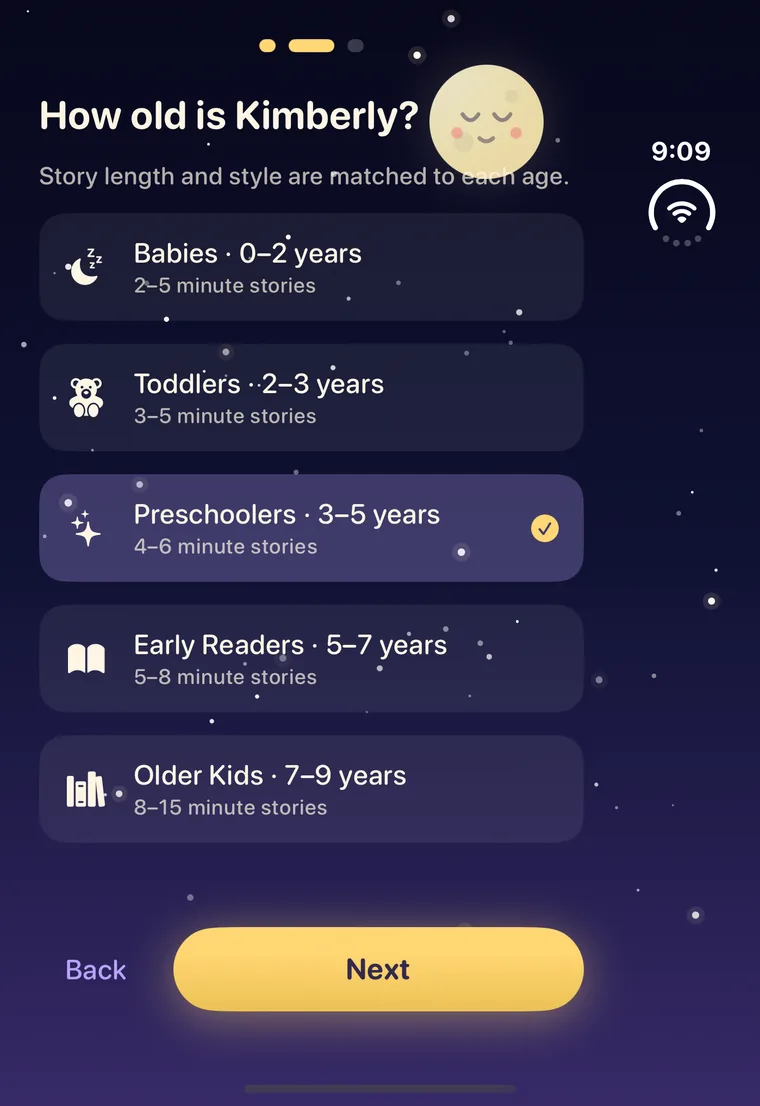
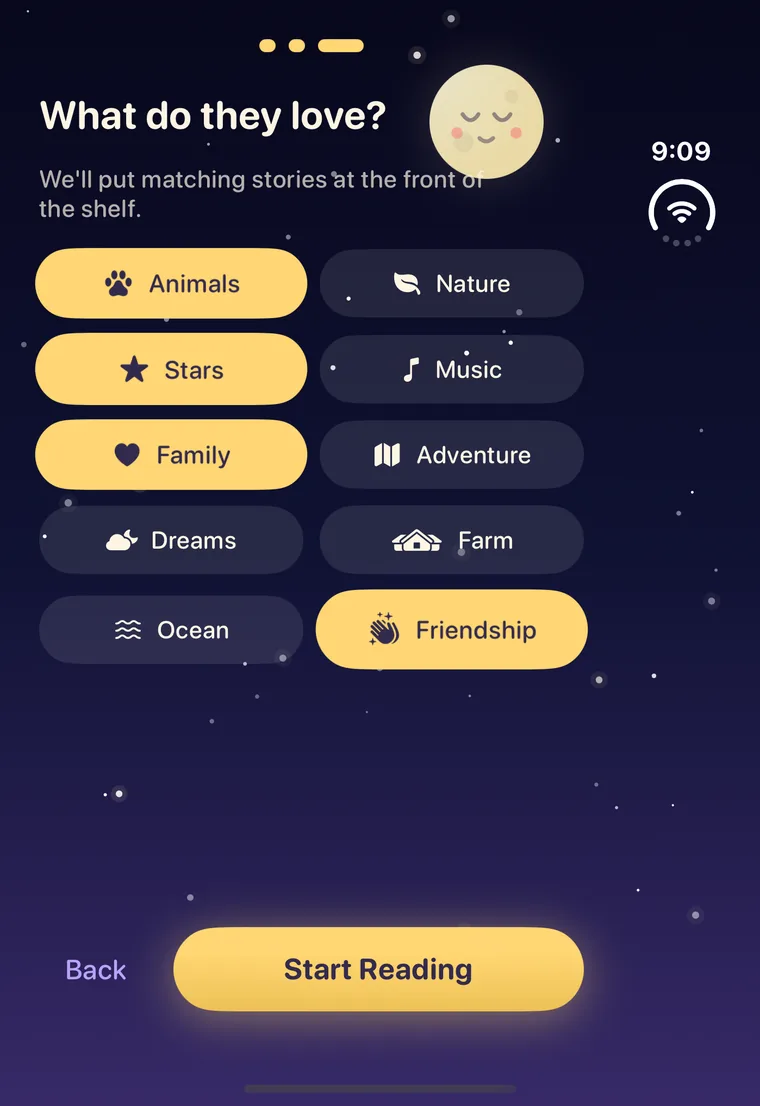
Add your child's name, age and favorite things. Their stories move to the front of the shelf, and bedtime greetings use their name.
Story length grows with your child
Stories for babies and toddlers are ready on launch day. Stories for older kids are on the way.
- Babies0–2 years2–5 min · Ready
- Toddlers2–3 years3–5 min · Ready
- Preschoolers3–5 years4–6 min · Soon
- Early Readers5–7 years5–8 min · Soon
- Older Kids7–9 years8–15 min · Soon
No screens reading to your child. No autoplay. Just you, your voice, and a story that comes to life.
Built for families, quiet by design
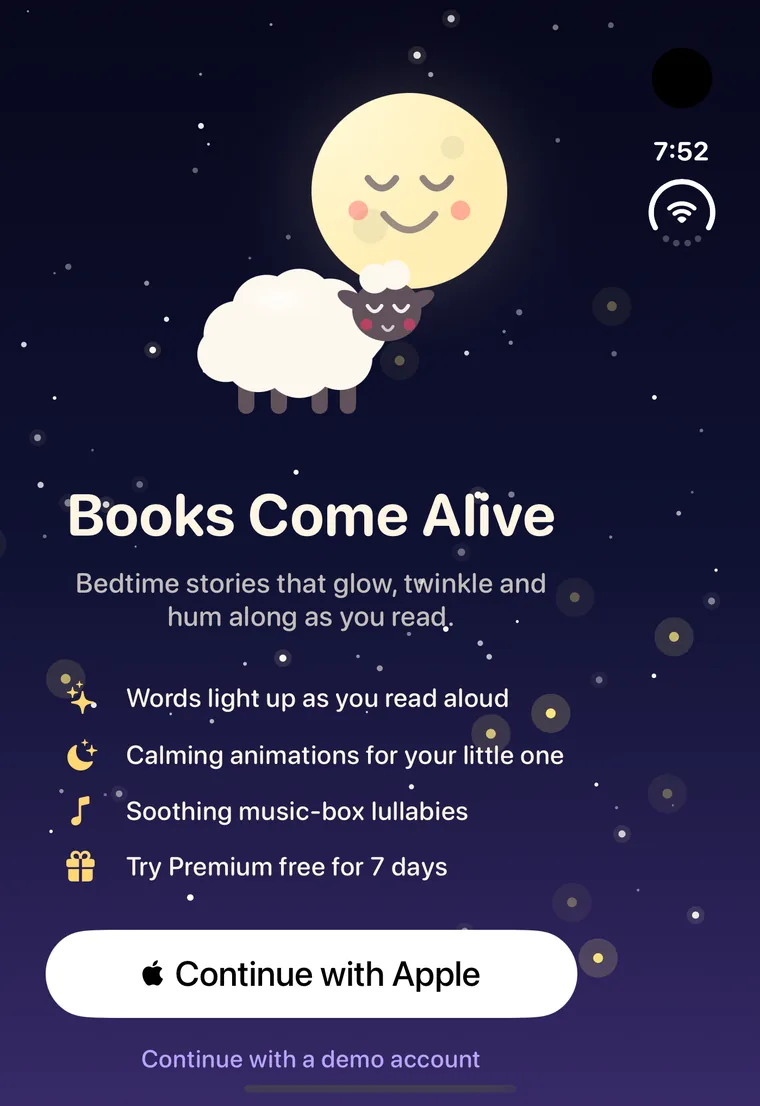
Sign in with Apple
One tap to get started. No new password to remember.
Ready offline
Books and lullabies are saved on your device, so bedtime works anywhere.
Your account, your call
Manage your library and story interests, or delete your account anytime from Settings.
Before you download
When can I download Books Come Alive?
Books Come Alive arrives on the App Store on Friday, October 23, 2026. On launch day, the buttons on this page take you straight to the download.
Do I need an iPhone Duo?
Yes. Books Come Alive is designed for iPhone Duo. You can browse your bookshelf with it closed, and reading a story uses both screens with your iPhone Duo open and turned sideways.
What ages is it for?
Children up to age 9. Stories for babies (0–2) and toddlers (2–3) are ready at launch, with preschool, early reader and older kid stories on the way.
Does it read the story for me?
No, and that's the point. You read aloud. The app highlights the words for you and plays calm animations for your child, but there's no narration and no autoplay.
How much does it cost?
Start with a 7-day free trial. After that, Books Come Alive is a subscription, and you'll see the price in the App Store before you start. Extra books and lullaby soundtracks are available as optional in-app purchases.
Does it need Wi-Fi?
Only to download new books. Once a book is on your shelf, it's saved on your device and works offline.
Sweet dreams start here.
Make tonight's story the one they ask for again tomorrow. Try Books Come Alive free for 7 days.
7-day free trial, then an auto-renewing subscription. It renews automatically unless you cancel at least 24 hours before the end of the current period. Payment is charged to your Apple ID. Manage or cancel anytime in your App Store account settings. Additional books and soundtracks are optional in-app purchases. See our Terms of Use and Privacy Policy.